How to sign-up for OUTAGE ALERTS
You must have a SmartHub (CVE's online account management) account to sign-up for Outage Alerts. To set-up a SmartHub account click HERE and then click "New User" and set-up your account. If you already have a SmartHub account or after you set-up your account follow these steps to begin receiving Outage Alerts.
- Go to www.CVECOOP.org and click on Pay My Bill and login to SmartHub
- Next click Notifications and go to Manage Contacts
- Enter your e-mail address and/or mobile phone number
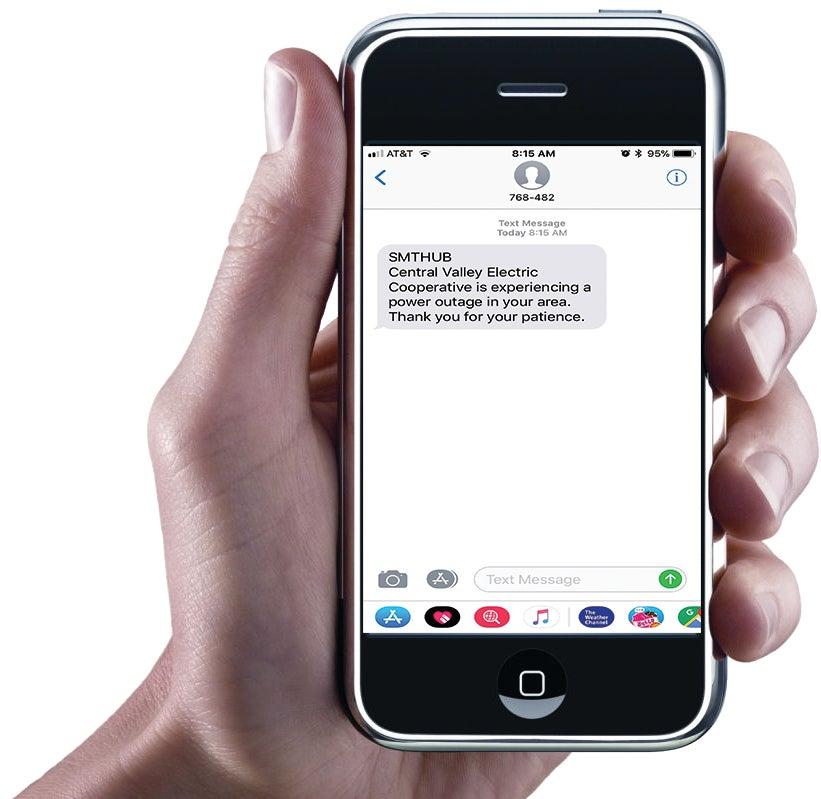
- After you add your contact information go to Manage Notifications and click Service, next check the boxes for any or all of the types of notifications you wish to receive. Notification types include Power Outage, Power Outage Update and Power Restored
- To receive text notifications click Options next to the type(s) of notifications you chose. Select the account number(s) and click the mobile phone number listed and then click Save Subscription
PLEASE NOTE: If you have the SmartHub App downloaded on your smartphone or tablet you will not be able to sign up for Outage Alerts through the App. You will need to sign-in to SmartHub through our website.
If you need help setting up a SmartHub account or getting signed up for Outage Alerts please give us a call at 575-746-3571.